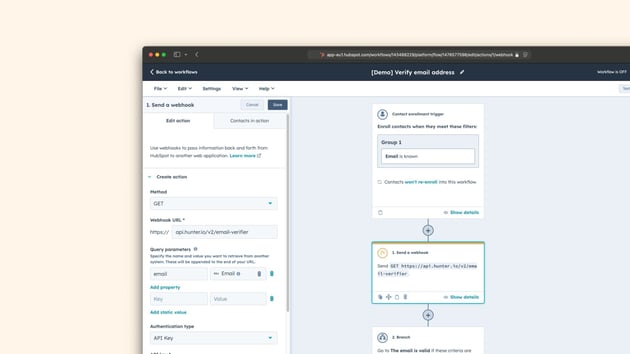


One of the most important goals us working with CRM operations is to ensure reliable data flow and quality across every key aspect of your business. Without proper data quality you lose important insights into key metrics, and you also won't be able to create or maintain accurate automations and workflows anywhere.
Here are some of our favorite applications that you can integrate with HubSpot in order to level up your operations.
Do you have other favorites that deserve to be on this list? Let us know!
Databox
Sometimes your data from other tools should not be integrated to HubSpot, but you still want to combine data from different sources into a shared reporting view, or even into the same graphs.
This is where databox shines. You can connect it to the different tools in your tech stack, and set up reports to cover the big picture.
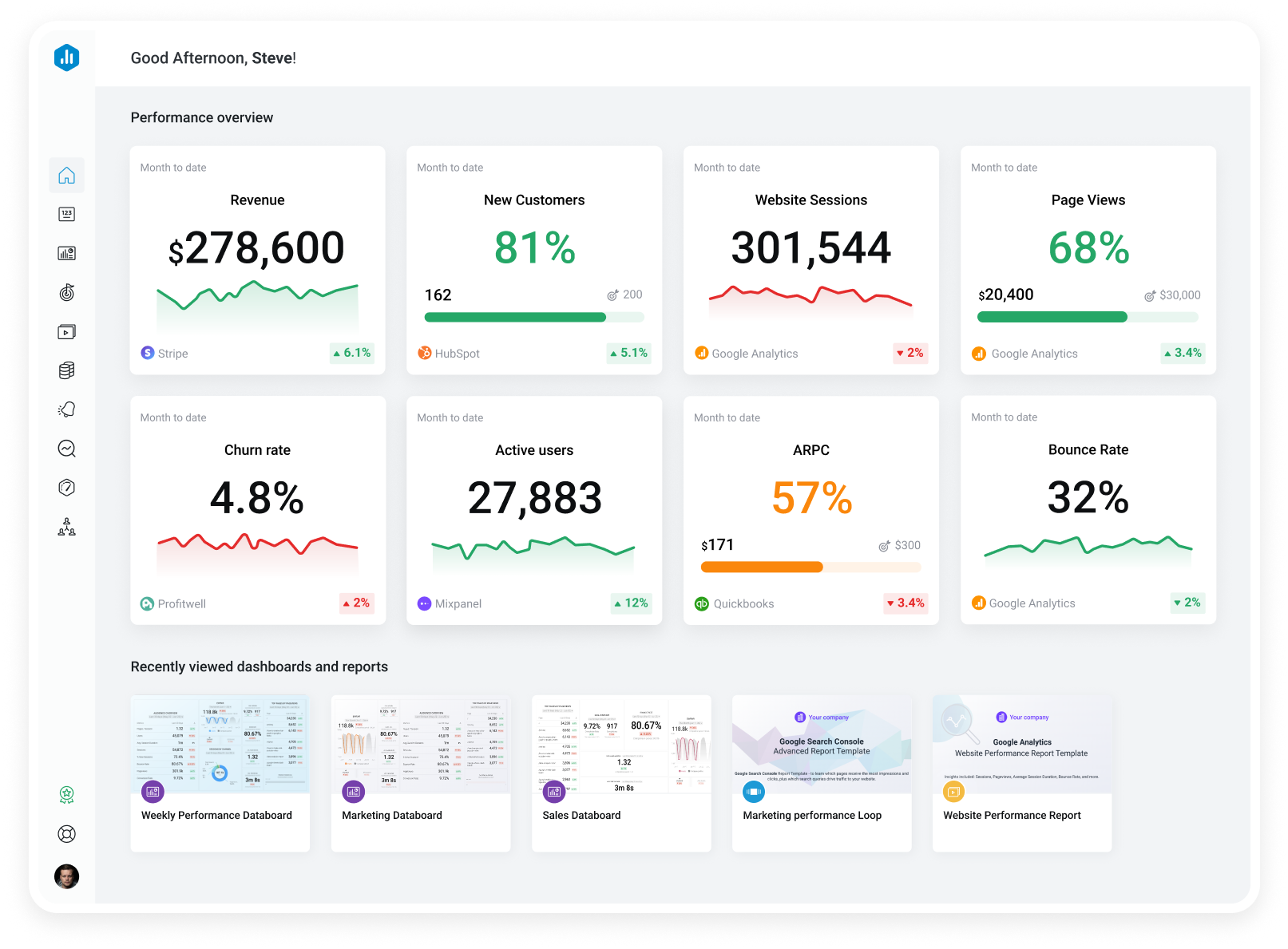
Databox provides beautiful dashboard views perfect to share or present on a monitor in your office.
The dashboard from databox can also easily be embedded to you HubSpot dashboards.
Clay
Clay is most associated with prospecting and contact or company information enrichment, but it can also do so much more. Out of the box, Clay has templates and preconfigured actions to help you effectively automate enrichment of the company data in your database, or to find new companies or contacts based on your target group.
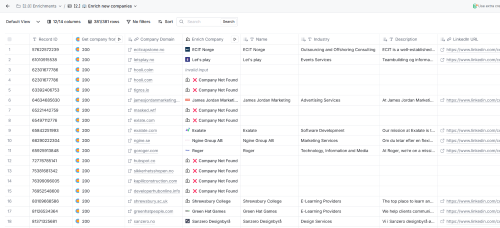
Clay can be used in combination with a lot of your own tools as well as a large portfolio of tools you access through Clay without having to set up your own separate accounts. This makes it a powerful tool for your automations, and you can even use webhooks and utilize API's directly as actions in your flow.
Cross platform automation with Zapier, Make, or n8n
Workflows are great, but usually work better when all your data is in HubSpot. with a richer tech stack, cross platform automation tools will make it possible to use data in one platform to trigger actions in another, and fill the gaps between separate databases.
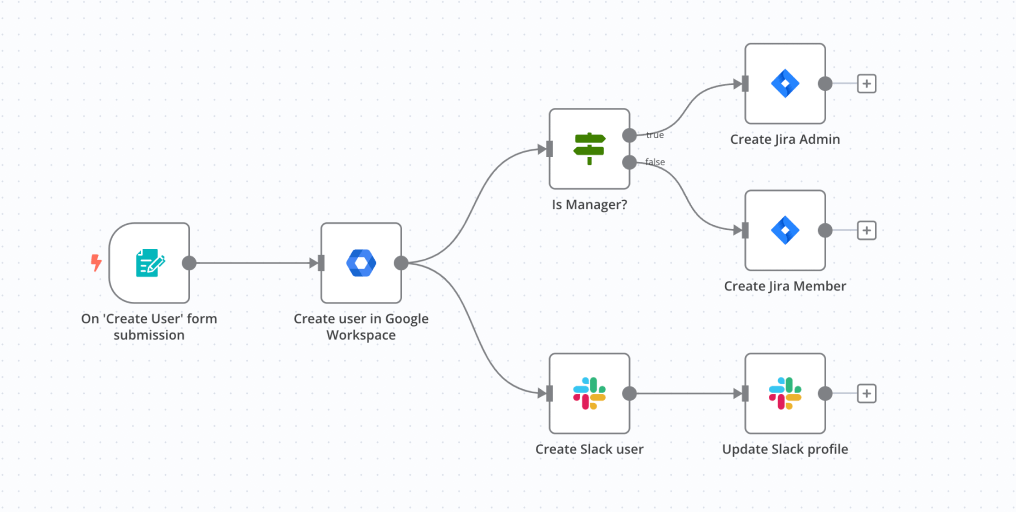
Platforms like Zapier, Make.com or n8n make it easy for commercial teams to work on simple integrations between several platforms without having to code anything.
Slack
If you company is using Slack, then this needs no introduction. The most effective way to make sure the right people are informed about important updates is to let the know directly to Slack.
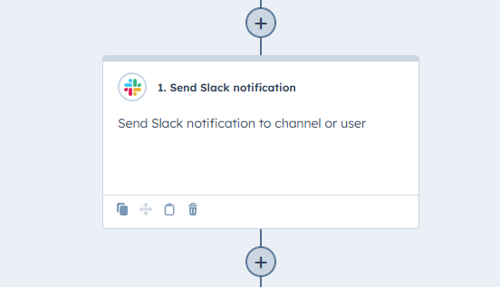
In integrating Slack to you HubSpot account, you can use workflows to send a message to any person or channel in Slack based on whatever you want. This can be a good way to prepare your Customer success team preparing for hand-over, og create a fuzz when someone achieves their goals.
The integration will also let you get notifications and respond to chats and form submissions directly in Slack!
ClickUp
ClickUp is one of the market leading project management systems, and is used for a variety of different teams. From consulting agencies like us tracking clients and ongoing projects, to development teams working in sprints or handling incoming tickets.
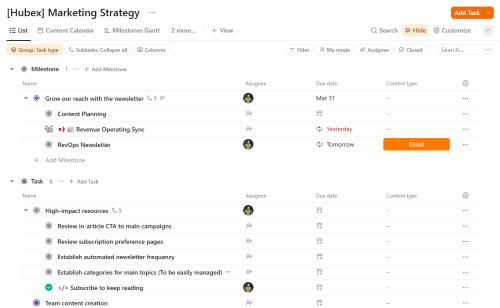
While your commercial teams are in HubSpot, product and delivery teams often work platforms like ClickUp, and setting up an integration can sake sure you have an efficient information flow between teams and projects. We focus on ClickUp here, but there are similar apps to integrate many of the well known project management solutions.
Whether you need to set up new projects based on deals being closed, or sync ticket statuses back to HubSpot, this integration is flexible enough to handle it.
Koalify
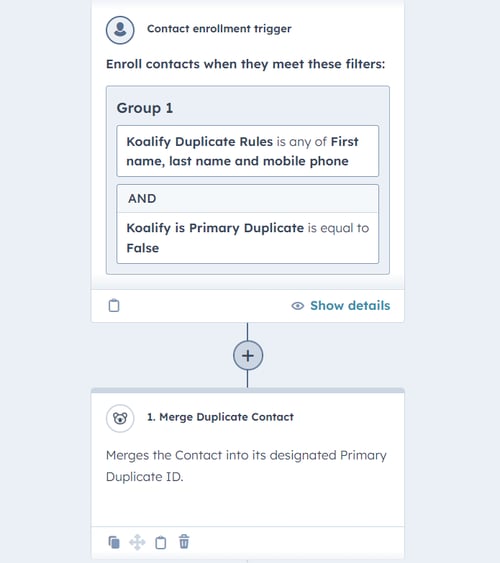
Having problems with duplicated records in HubSpot? Then Koalify might be something to look into for you. This app will help you automatically identify and handle new duplicated records as they show up, and help you keep a clean database.
Google Sheets
I would not typically recommend spreadsheets for a lot of things, but we all know that sometimes a spreadsheet is exactly what you need. Maybe you just need a list of form submissions to share outside of HubSpot, or want to pull data into charts for a presentation.
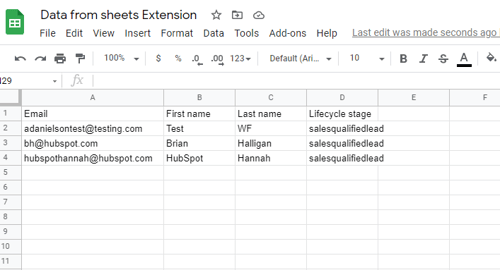
The very simple app created by HubSpot will let you use a workflow action to add a single new row into a spreadsheet every time it triggers, with any data accessible in your workflow.
Opsie Data Formatter
Sometimes your data is not exactly compatible with how you want to use it, and automations can turn out to be an issue. Maybe you have a date stored in a text field and want to copy it to a date property instead, or you want to branch an automation based on the sum of two separate properties?
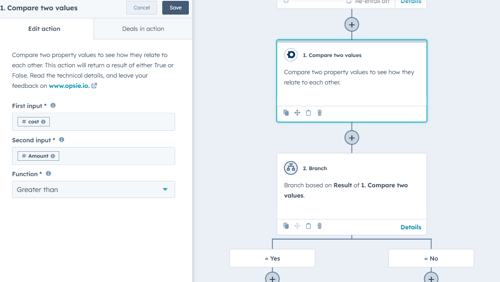
Opsie adds simple workflow actions to your toolbox to let you do all that. Change the format of a value, compare values and objects to each other, or calculate number sequences to branch them into groups.